For resellers
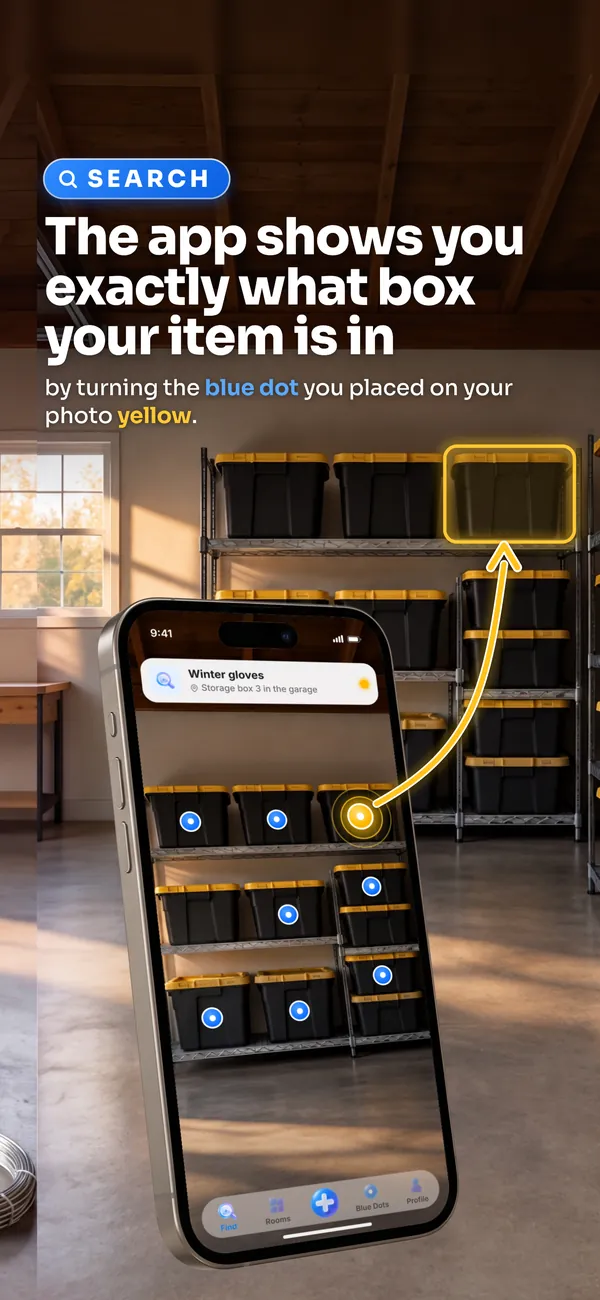
Search the item. See the bin.
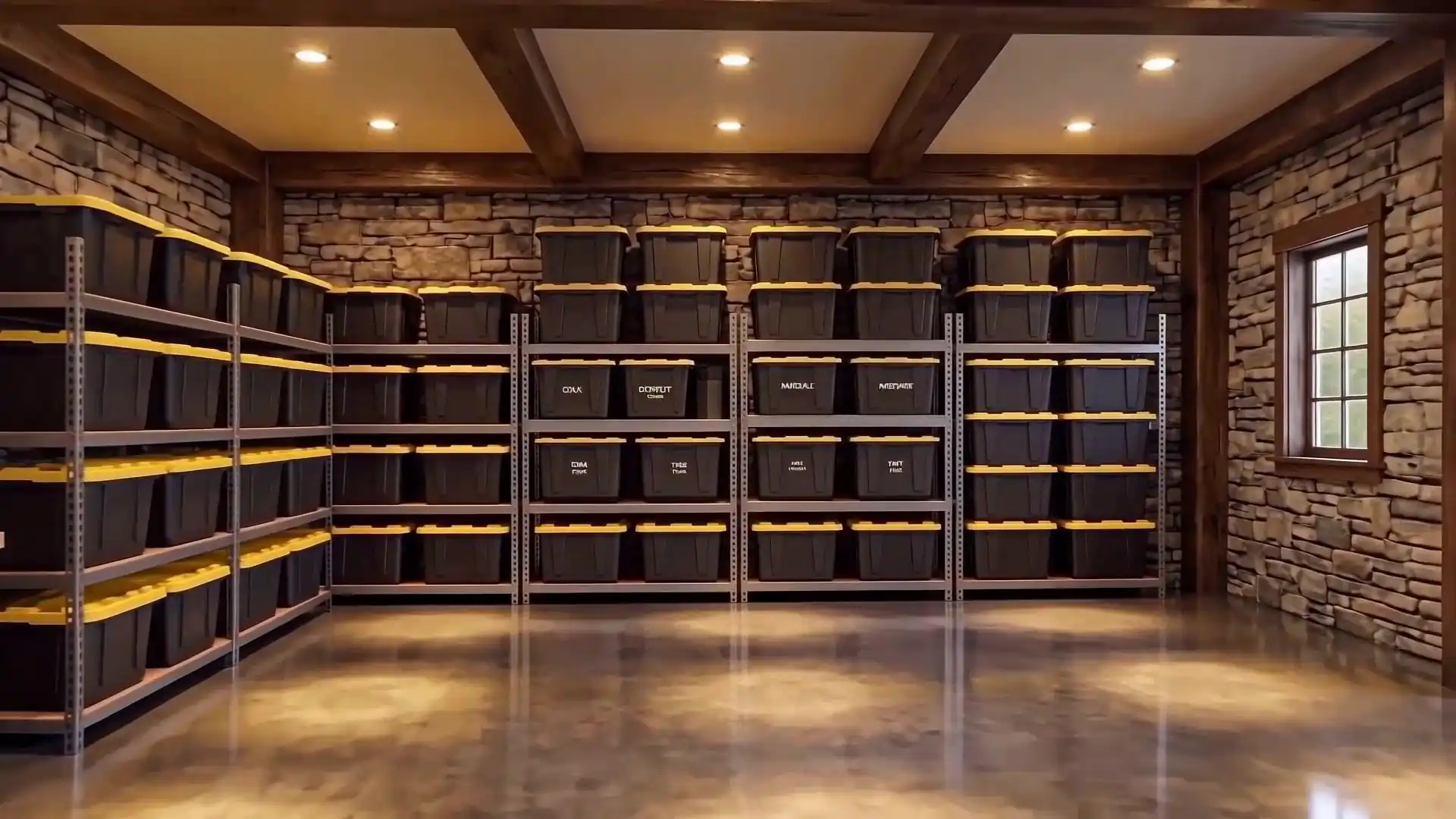
Take a photo of your shelves. Put a dot on each bin and name what’s inside. When something sells, search it. Its bin lights up yellow.


01The map
Three moves
Map the stock room once.
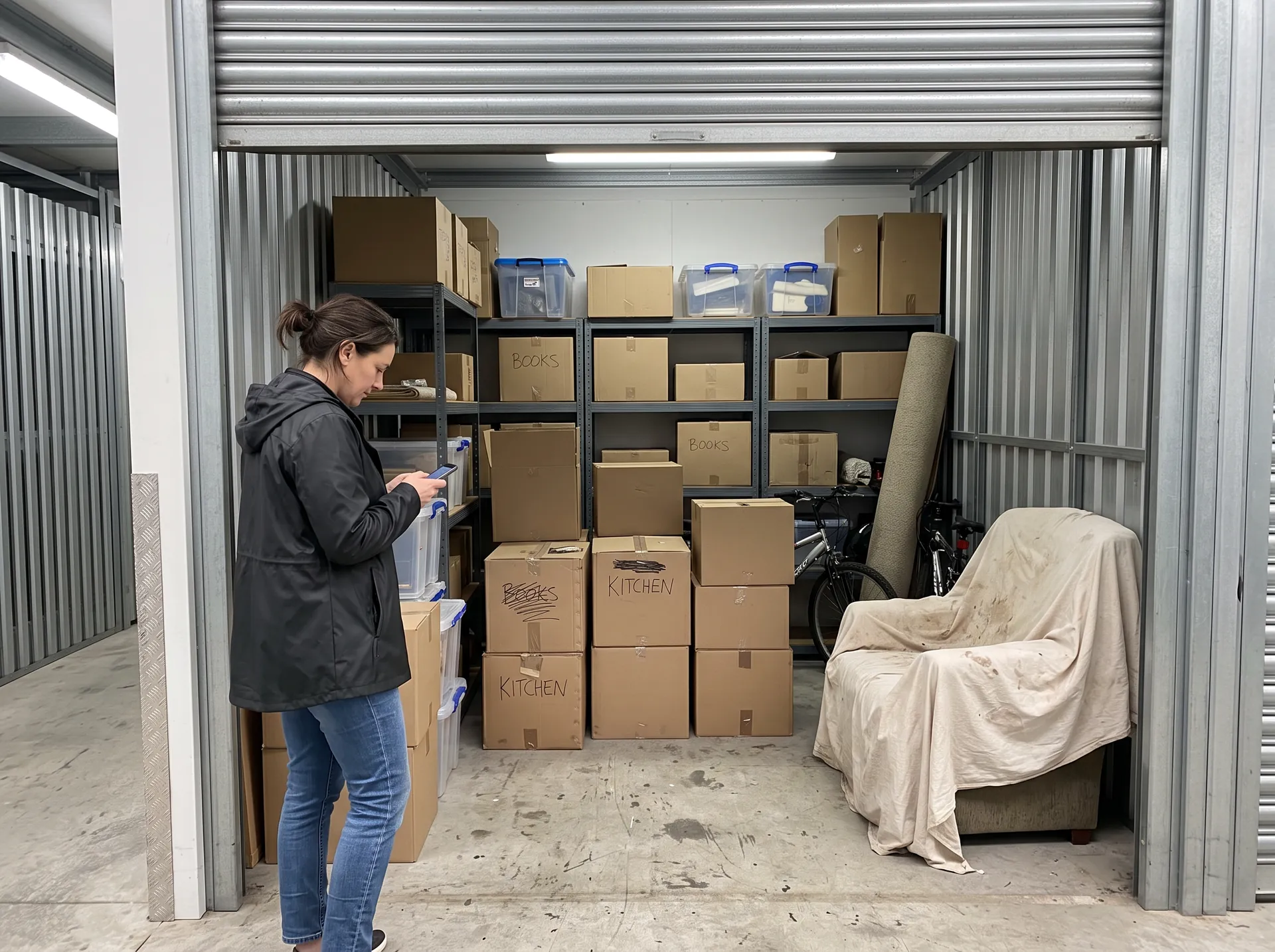
- Step 1: Photograph the space
- Step 2: Place Blue Dot markers at item locations
- Step 3: Search anything → the matching dot lights up
02Crosslisting
Already crosslisting? Keep it.
Your crosslister handles the listing. Blue Dots handles the shelf. Use both.
| Your crosslister | Blue Dots | |
|---|---|---|
| The listing | Writes it and posts it to each marketplace | Leaves it alone |
| The sale | Tells you it sold | Mark it Sold. It moves to its own list. |
| Which bin it’s in | A code you typed, if you typed one | The bin lights up yellow on your photo |
| What’s in a bin | Not its job | Open the dot. See every item inside. |
03Your stock
Five guides
What do you sell?
Pick your stock. Read the part of the guide written for it.
- eBay sellersThousands of one-offs in numbered bins.
- Clothing sellersFolded stock that all looks the same.
- Live sellersPull every item before you go live.
- Storage-unit stockA whole unit, one wall at a time.
- SKUs and bin codesKeep your codes. Add the photo.
Not a reseller?
See Blue Dots for the home04Inside one dot
Five items
Open one dot. See the whole bin.
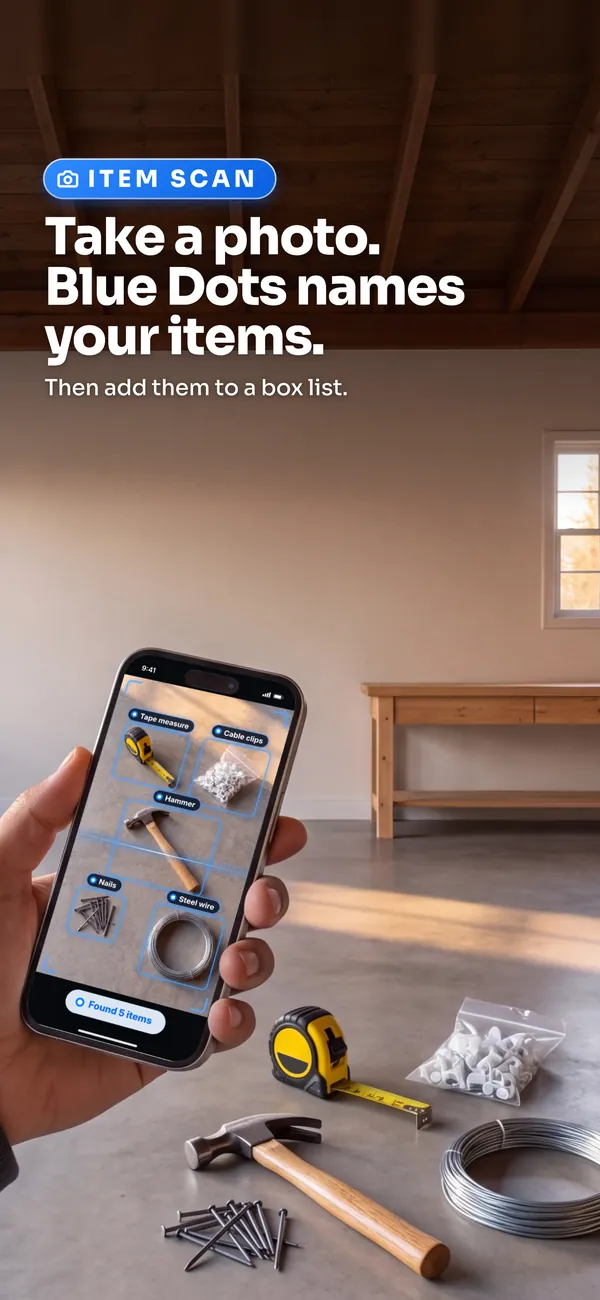
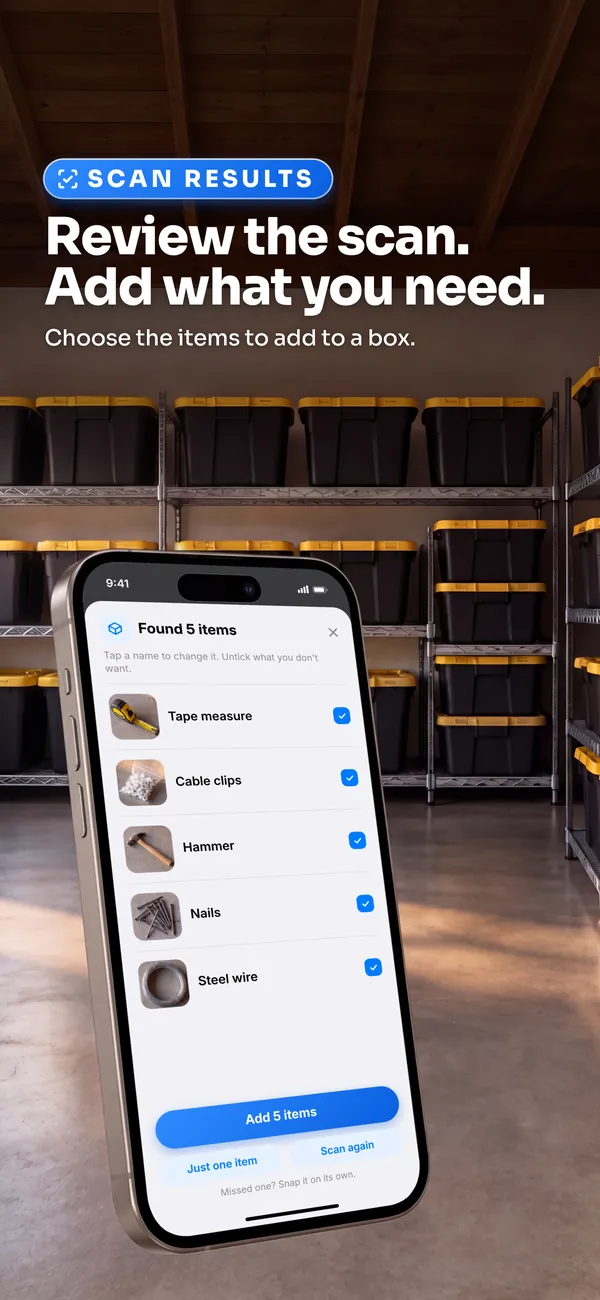
Take a photo. Blue Dots names your items.
Then add them to a box list.
Camping gear
5 items
 Propane Camp StoveAvailable
 LED Camping LanternAvailable
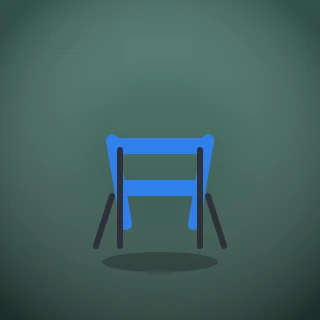 Folding Camp ChairsAvailable
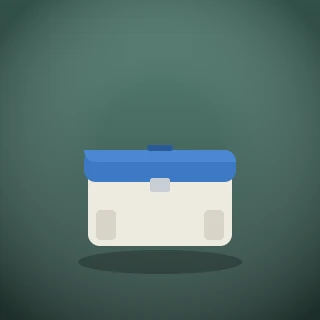 CoolerBorrowed
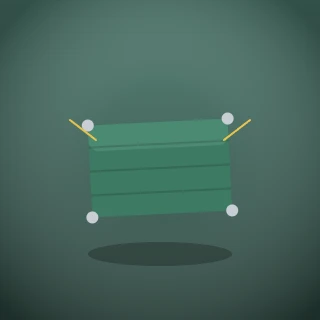 Tarp & Guy LinesAvailable
Sped up
05In the app
Ten screens
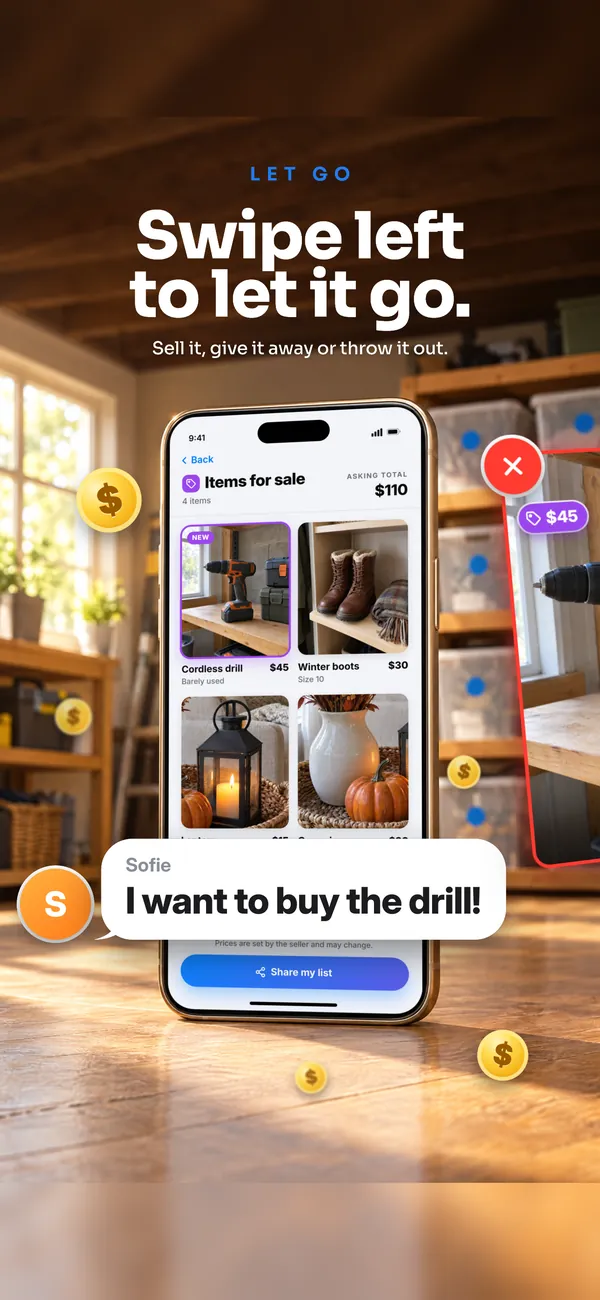
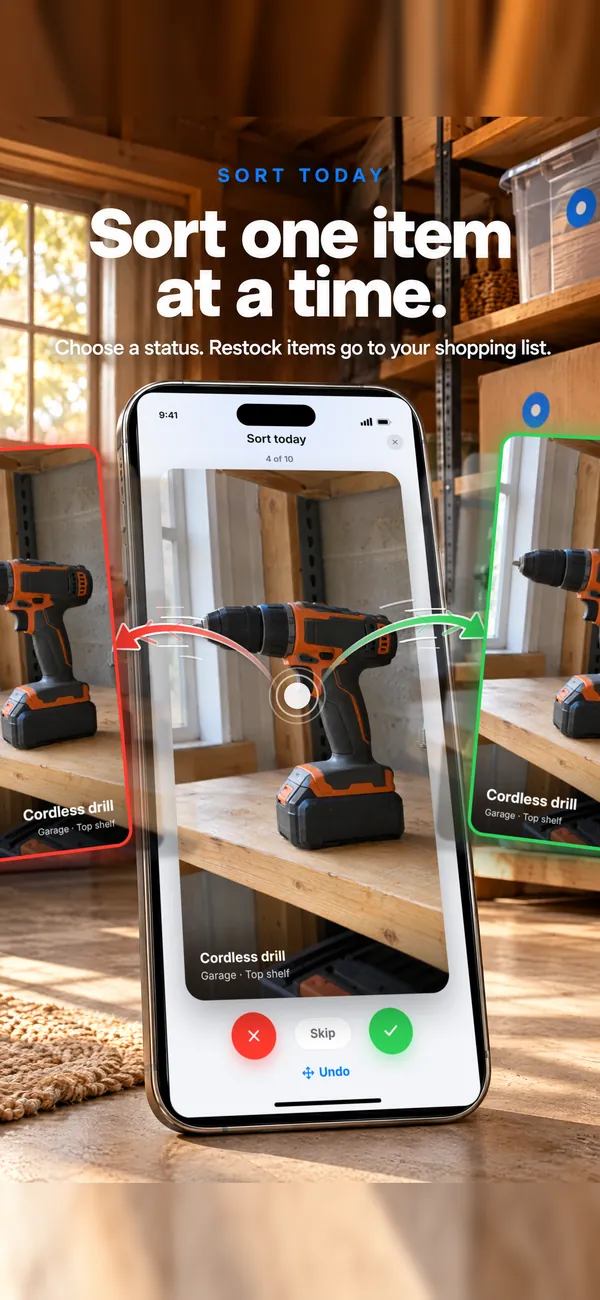
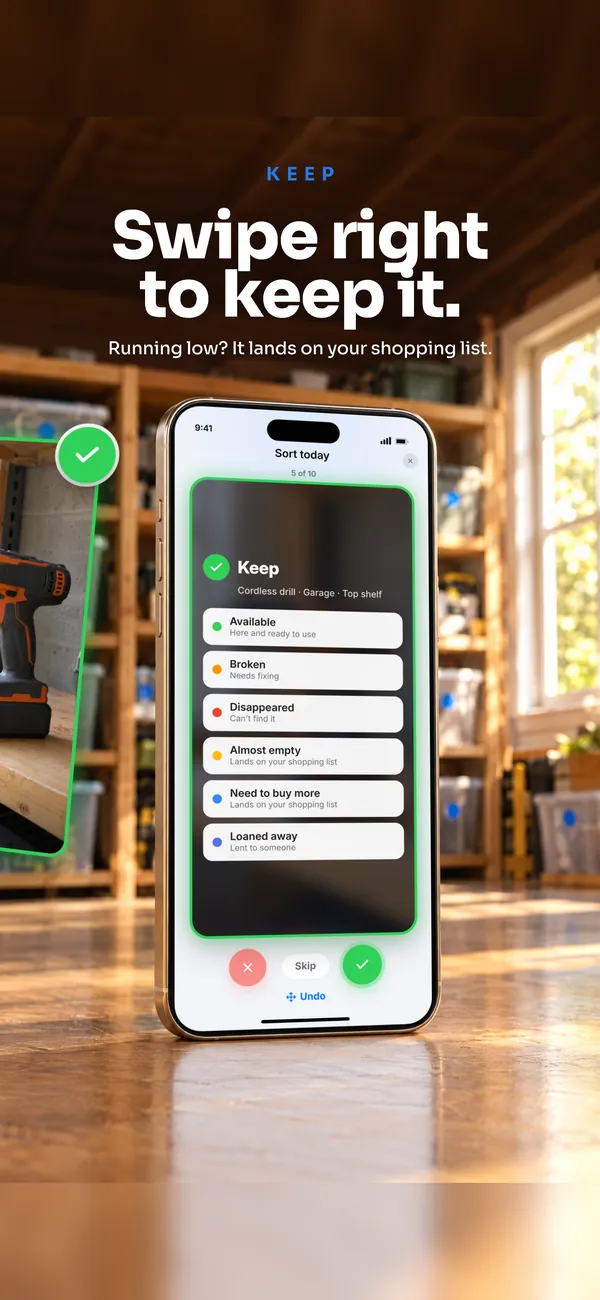
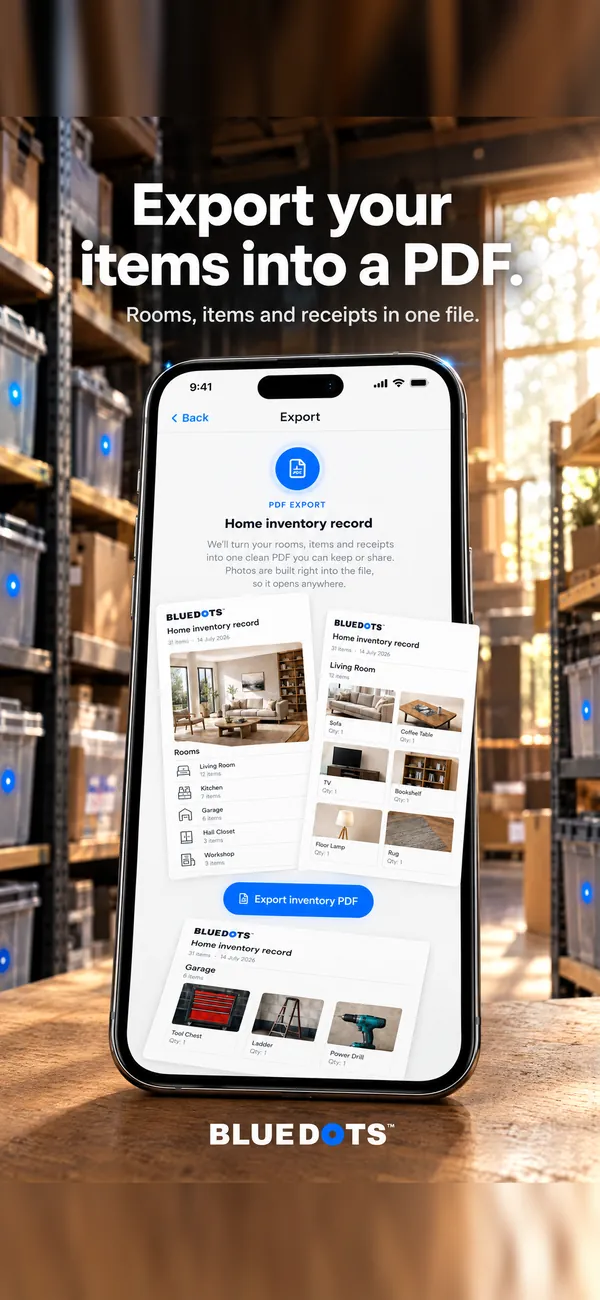
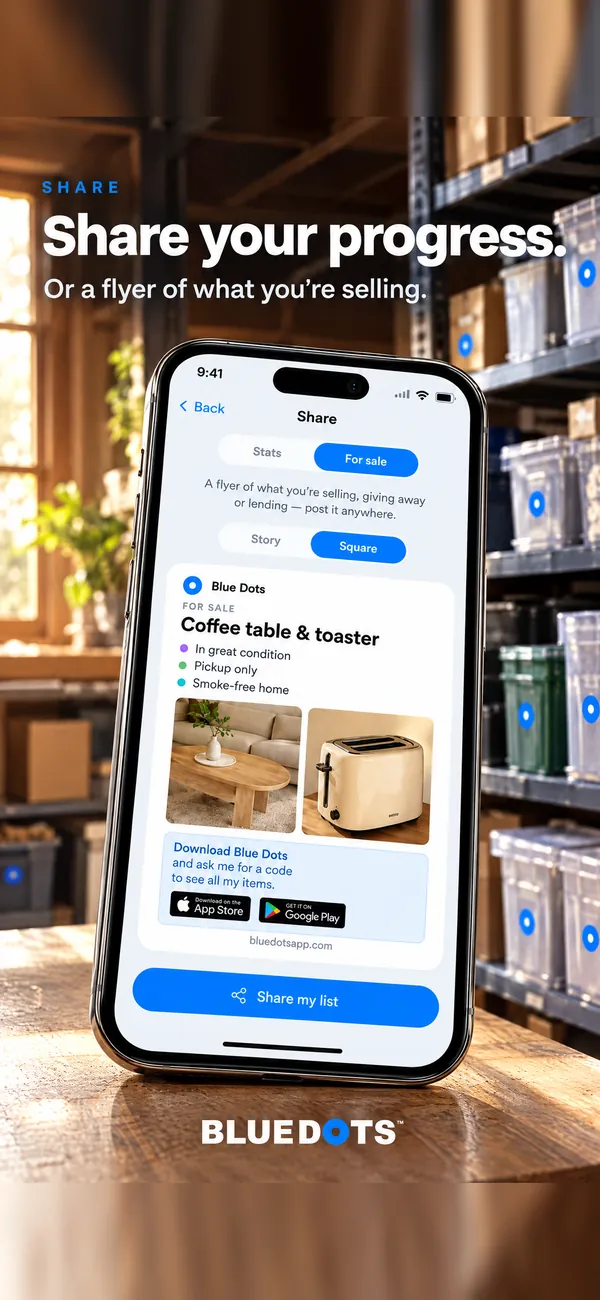
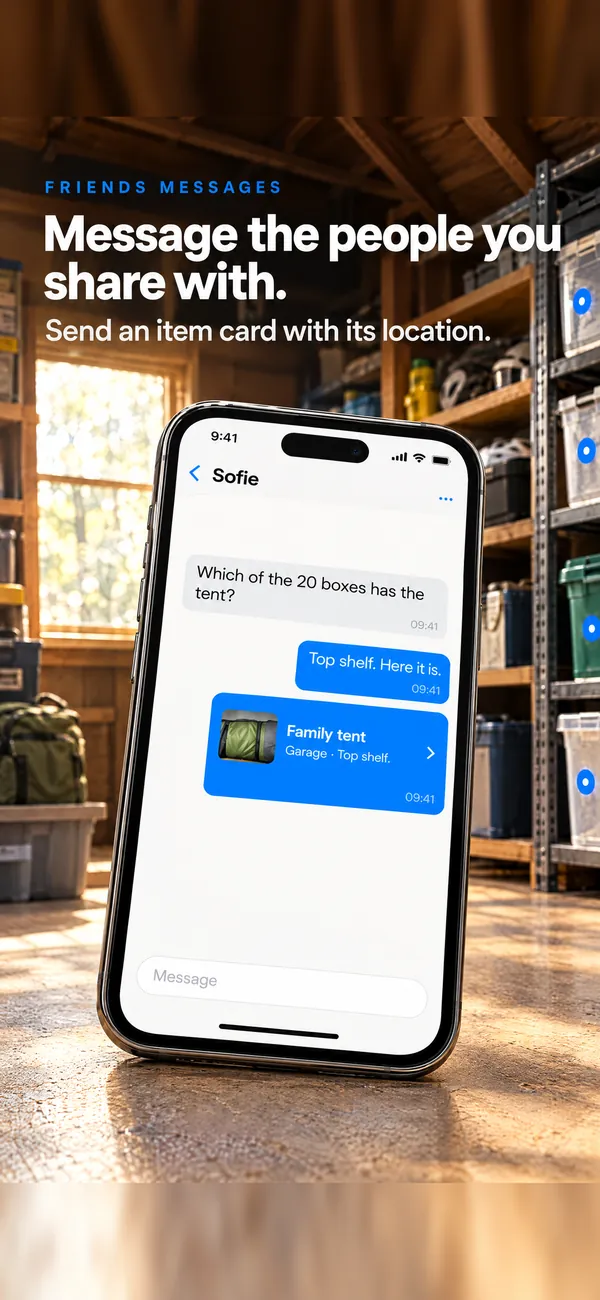
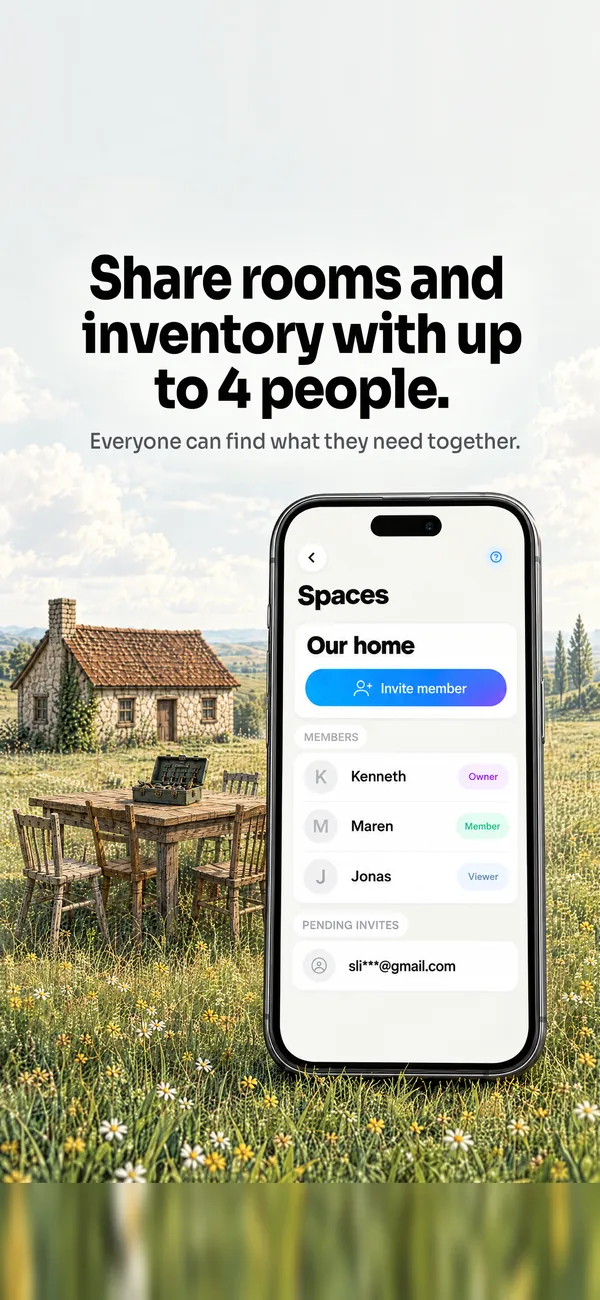
See the rest of the app.
06Questions
Five answers
Frequently Asked Questions
No. Blue Dots doesn’t post, sync or delist listings. Keep your crosslister for that. Blue Dots shows you where the item is on your shelf.
Free: 3 shelf photos with 5 dots each. Pro: 7 photos with 10 dots each. Premium has no limit. One dot can be one bin, and it holds up to 12 items on Free, 25 on Pro.
Only you, unless you share it. Items you mark Want to Sell show up for your friends in the app. Nothing else does.
Yes. A Work Space lets your team map and find stock in the same space. Work Spaces need a subscription.
Free to start. Pro is $4.99 a month and Premium is $9.99. Both start with a 7-day free trial.
07Found
Map one shelf tonight.
Free to start. No credit card required. Free trial on every paid plan.