What Is Blue Dots?
The Visual Organizer App That Maps Your Belongings
If you've ever stood in your own garage holding a flashlight, hunting for the 4mm screws you swear you bought twice last year, you already understand the problem the Blue Dots app solves.
Blue Dots is the visual organizer app that turns one photo and a few interactive markers into a permanent, searchable map of your belongings. Photograph any space, place Blue Dot markers on the photo at item locations, then search for anything to see — instantly — where it is. The matching dot lights up yellow on the original photo. No lists, no spreadsheets, no scrolling through nested folders.

- Price
- Free to start
- Platforms
- iOS + Android
- Setup
- One photo per space
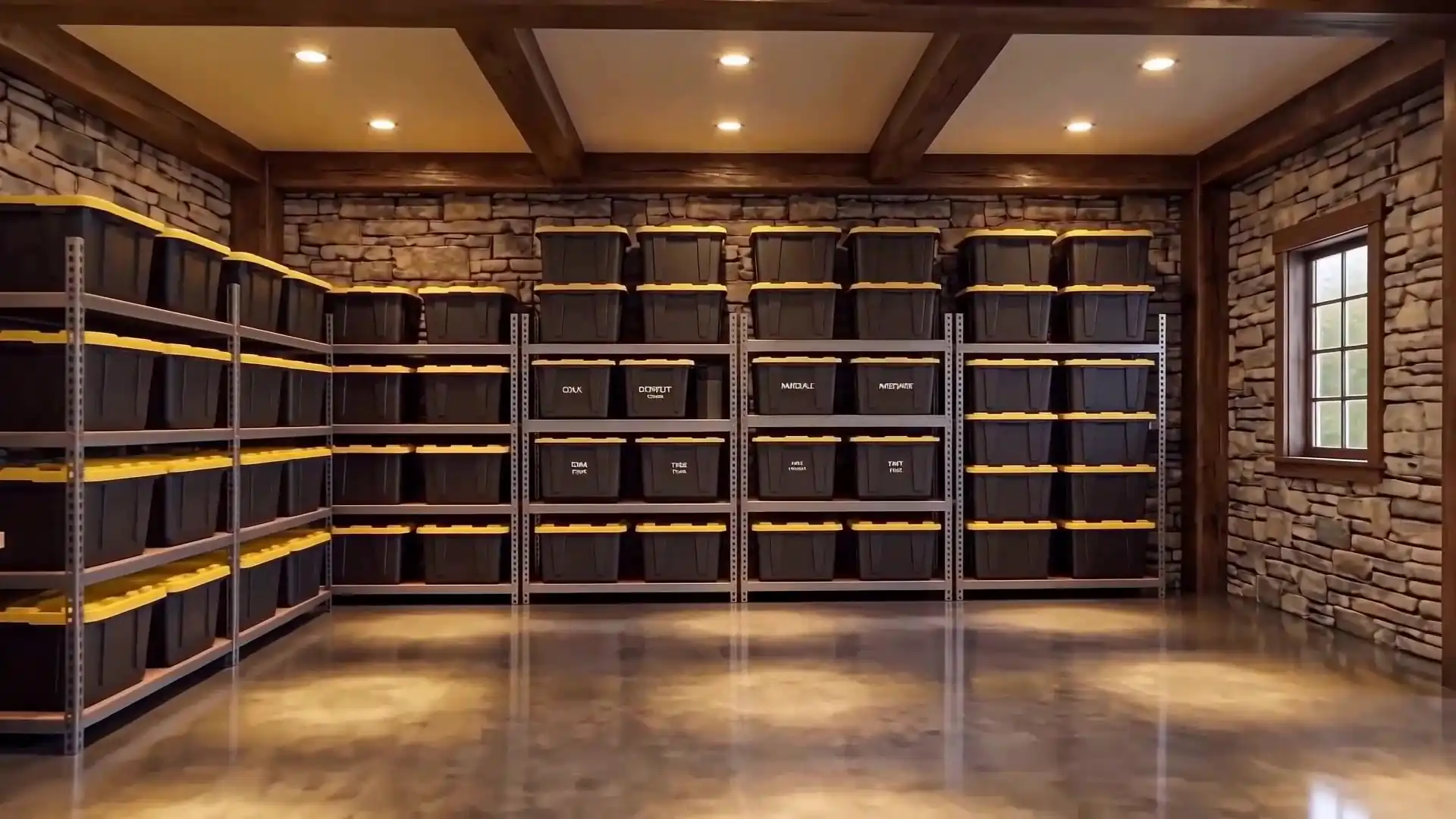 The map — one photo
Blue Dots in 30 Seconds
- 1.Photograph the space.
- 2.Place Blue Dot markers at item locations.
- 3.Search anything → the matching dot lights up yellow on the photo.
(Previously launched as Mytools.)
01How it works
Three moves
How Blue Dots Works
The whole app is built around a deceptively simple loop. Once you've used it once, you'll never want to manage a garage spreadsheet again.
- Step 1
Photograph the space
Open Blue Dots, point your phone at any space — your tool wall, the inside of a closet, the contents of a moving box — and take one photo. The photo is the map. You don't need a special angle, perfect lighting, or staging. Whatever you can see, the app can map.
- Step 2
Place Blue Dot markers at item locations
Tap anywhere on the photo to drop a Blue Dot. Each dot can hold a text description ("4mm screws," "winter jackets," "extension cords"), close-up photos of the actual contents, a status tag (Available, Broken, Almost Out, Need to Buy, Low, or Empty), and any other notes. The first time you map a space, expect five to fifteen minutes. Every visit after that, you’re just maintaining.
- Step 3
Search anything → the matching dot lights up
Type what you’re looking for. The matching Blue Dot lights up yellow directly on the original photo. You see exactly where it is — visually, spatially, instantly. No "Aisle 4, Shelf 3, Bin 12" memorization. No wondering whether you filed it under "Fasteners" or "Hardware" or "Garage Stuff."
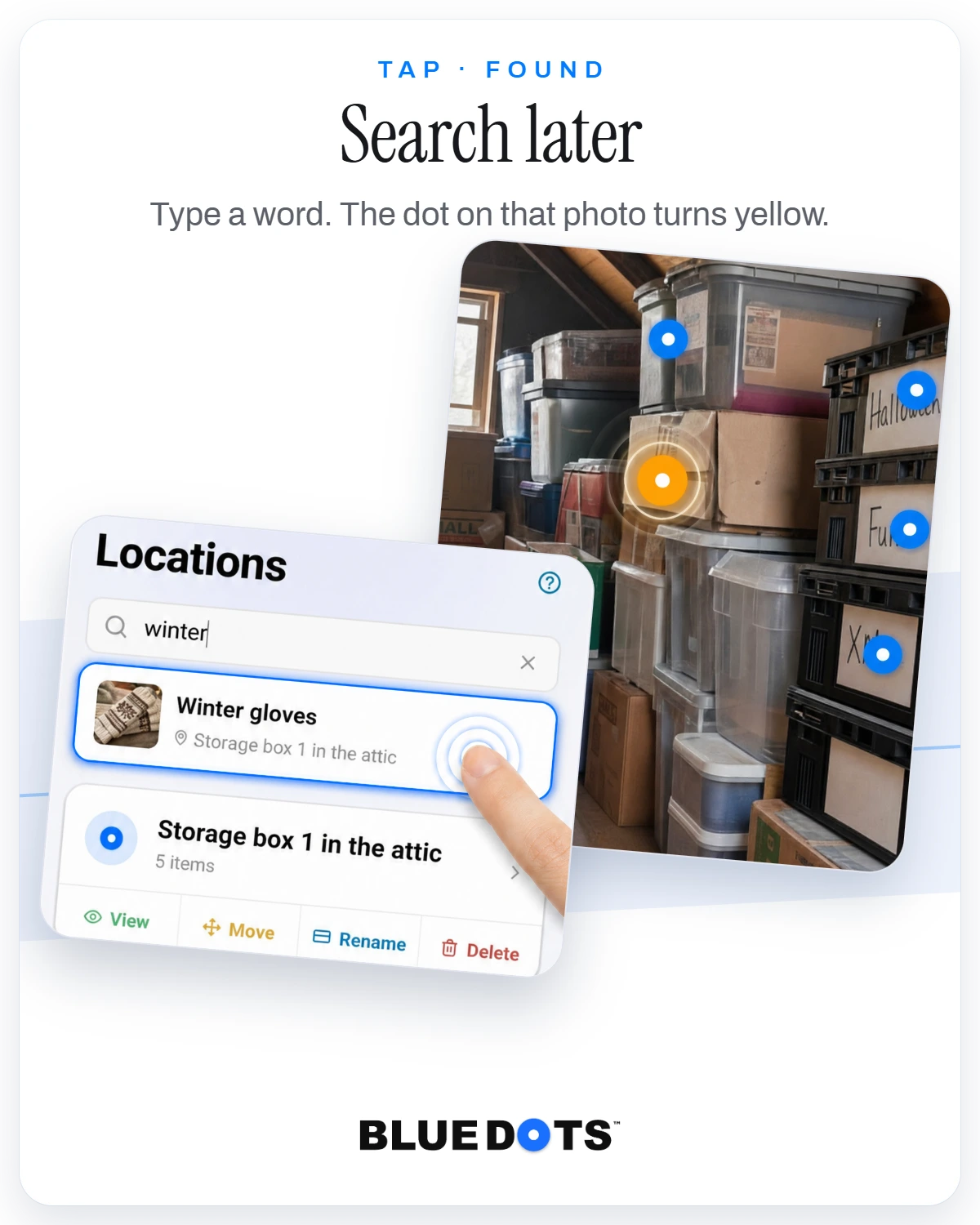
The app — a real search result
4mm screwsFig. 01 — The search moment, staged
The matching dot lights up yellow
This works because spatial recall is one of the strongest forms of human memory — and the Blue Dots organizer app maps onto it instead of against it. (More on spatial memory research.)
02The name
The O is the dot
Why It's Called "Blue Dots"

The brand is named after its signature feature. The "O" in the wordmark is a Blue Dot.
Most apps name themselves after a benefit or category — Notion (an idea), Sortly (sorting), Encircle (containing). Blue Dots takes the opposite approach: the name is the thing. When you open the app, you see Blue Dots. When you place markers, those are Blue Dots. When you talk about the app, you're talking about the dots.
That collapse between brand and feature is intentional. It's a memory anchor. People who've used the app once remember it as "the one with the blue dots on the photo," and they search for that exact phrase.
03The territory
Twelve kinds of space
What You Can Map With Blue Dots
Anywhere you have stuff and want to find it later, the Blue Dots app works:
- Garages and workshops
- Kitchens and pantries
- Closets and wardrobes
- Storage units
- Moving boxes
- Drawers
- Tool walls and pegboards
- Sheds and outbuildings
- Attics and basements
- RVs, boats, camping gear
- Hobby and craft rooms
- Anywhere stuff hides
The dots don't care what kind of stuff you're mapping. Each one just records "this thing is at this spot, here's a photo if you want to confirm." That's the entire data model.
04The difference
Model vs. memory
How Blue Dots Is Different From Other Inventory Apps
Most home inventory app categories work like databases. They give you fields to fill in: name, category, location, quantity, photo. You build a list, then search the list. The friction starts at item one and never goes away.
| Approach | How info is stored | How you find things | Friction |
|---|---|---|---|
| Spreadsheet / list apps | Typed entries in named fields | Scroll or search by name | High setup, high maintenance |
| Barcode scanners | Scan a barcode, fetch product info | Search by name or scan again | Useless for non-retail items (4mm screws, half-roll of tape) |
| Folder / category apps | Nested categories you invent | Navigate the tree | Requires you to remember the taxonomy you invented |
| Blue Dots | Dots on a real photo | Search → dot lights up on the photo | One photo, tap to add, search to find |
The difference isn't features — it's the underlying model. Spreadsheet-style home inventory apps treat your stuff like inventory data. Blue Dots treats it like memory.
You don't actually think "the cordless drill is in Category > Power Tools > Charger Bay 3." You think "the drill is on the shelf above the workbench, on the left." The Blue Dots app stores things the way you remember them — and that's why the system holds up months later, when most spreadsheet inventories have been abandoned.
05The terms
Five plans
Pricing
The Free tier is meant to be enough to test whether the visual approach matches how your brain works. A garage, a kitchen, and a closet — three photos — covers most starter use cases. Pro is for people who've decided this is their new system and want to map their whole house. Premium is for power users like collectors and tradespeople. Family plans give up to 3 or 5 people their own space under one subscription.
For one person — three plans
Free
- 3 space photos
- 5 Blue Dots per photo
- 12 items per dot
- 50 MB cloud storage
- Item scanner — 10 scans
- Free trial — not included
Most popular
Pro
- 7 photos
- 10 dots per photo
- 25 items per dot
- 500 MB cloud storage
- Unlimited item scans
- 7-day free trial
Premium
- Unlimited photos
- Unlimited dots per photo
- Unlimited items per dot
- 5 GB cloud storage
- Unlimited item scans
- 7-day free trial
- Early access to new features
For a household — two plans
Family — 3 seats
- 3 member seats
- Unlimited photos & dots
- 5 GB storage per seat
- 300 item scans per seat
- 14-day free trial
Family — 5 seats
- 5 member seats
- Unlimited photos & dots
- 5 GB storage per seat
- 300 item scans per seat
- 14-day free trial
Prices are shown in US dollars. You are charged by the App Store or Google Play in your own currency, at their local price for your region, which may include VAT.
06Questions
Eight answers
Frequently Asked Questions
Yes. The free tier includes 3 space photos with 5 Blue Dots per photo and 12 items per dot. That’s enough to map a garage, a kitchen, and a closet — about as much as you need to know whether the visual approach works for your brain. Pro and Premium plans unlock more photos, dots, items, storage, and unlimited item scans.
Yes. Blue Dots is a cloud-synced app. Your photos and Blue Dot markers live in encrypted cloud storage so they’re accessible across all your devices and never lost to a phone replacement, factory reset, or hardware failure. An active connection is required to view, edit, and search.
Free — 3 photos / 5 dots per photo / 12 items per dot. Pro — 7 / 10 / 25. Premium — unlimited on all three.
Yes. Available on the Apple App Store and Google Play. Same account works across both platforms.
Yes. Photos and dots are encrypted in transit and at rest. Nobody else sees your rooms, Blue Dots or items unless you share them: in a Family or Work Space, through a Personal Share link, or by sending one to a friend. The one exception is things you mark to let go: once a thing in Personal mode has a photo and is marked Want to Sell, Donate or Gift, or Get Rid Of, the app shows it to your friends, and to nobody else. We don’t sell, share, or train models on your photos.
Point your phone at an item and Blue Dots suggests the name, saving you the typing. The free tier includes 10 scans. Pro and Premium are unlimited. Family plans include 300 scans per seat each month.
Yes. Family plans are live: 3 or 5 seats on one subscription, and every seat gets their own space. If you just want your own map on more than one device, that works too — the same account syncs across your phone and tablet.
Yes. The dots don’t care what kind of stuff is at the location. Kitchens, closets, hobby rooms, moving boxes, craft supplies, seasonal storage — anywhere you have physical things and want a visual map of where they live.
07Found
Try Blue Dots
Free to start. No credit card required. Free trial on every paid plan.
Try the interactive demoIf you want to read more about the philosophy behind the app — why a photo with dots on it can replace your spreadsheet — see the longer read. For practical decluttering and organization advice that pairs with the app, see the Decluttering 101 guide.