Product updates · Jun 28, 2026 · 3 min read · By Blue Dots Team
Family Spaces Are Here: Organize Your Whole Home, Together
Family Spaces — one home, one map
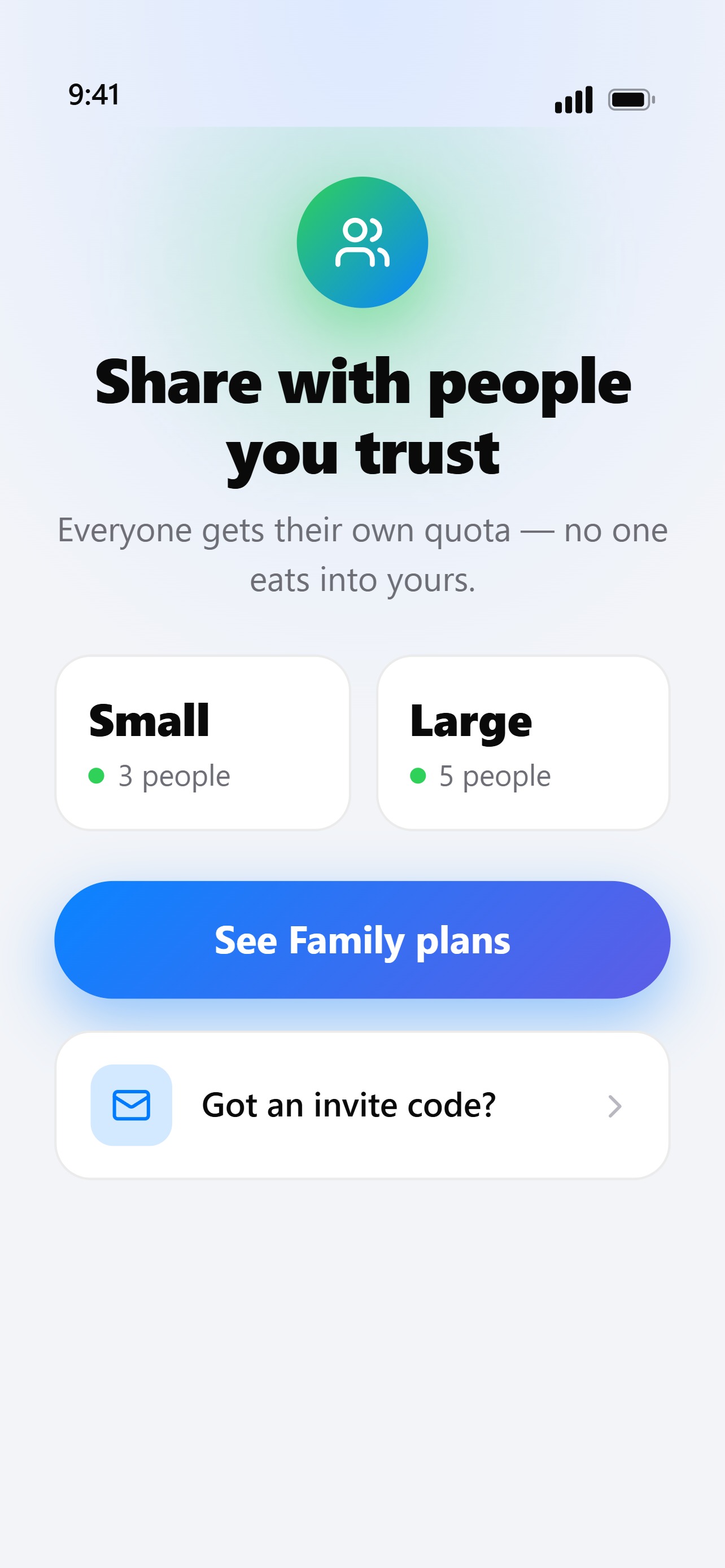
Create a Family Space and invite the people you live with — up to five of you in one Space. Everyone sees the same photos, drops their own blue dots, and finds what they need. No more "where did you put it?" Each member keeps their own quota, and you stay in control of who's in the Space and who isn't. Power tools in the garage. Holiday decorations in the attic. Camping gear in the basement. One shared map, and nobody has to ask. When someone adds the new drill or finally puts the tent back, the map updates for everyone. Personal Share — show one spot, safely Need to show a single storage view to a friend or a buyer? Send a Personal Share link. It's read-only, it expires when you say — 7, 14, or 30 days — and you can revoke it anytime. No account needed on their end; they just open the link and see the one spot you sent, and nothing else. A plan built for households The new Family plan gives your whole household a shared Space to join, each with their own quota. Invite, manage, and organize together. Free, Pro, and Premium are all still here — pricing's in the app. Get started Open Blue Dots, create a Space, and invite someone. Everyone you invite gets the same maps on their own phone. Setup takes about five minutes. Find it. Tap it. Done — together now.
Blue Dots — the visual organizer app. Free on Google Play and the App Store.